


RyuGear Sound Lab
Hear the Madlions MAD68 HE V2 Hall Effect Keyboard.
The sound sample could not be played. Please try again.




Madlions MAD68 HE V2 Hall Effect Keyboard
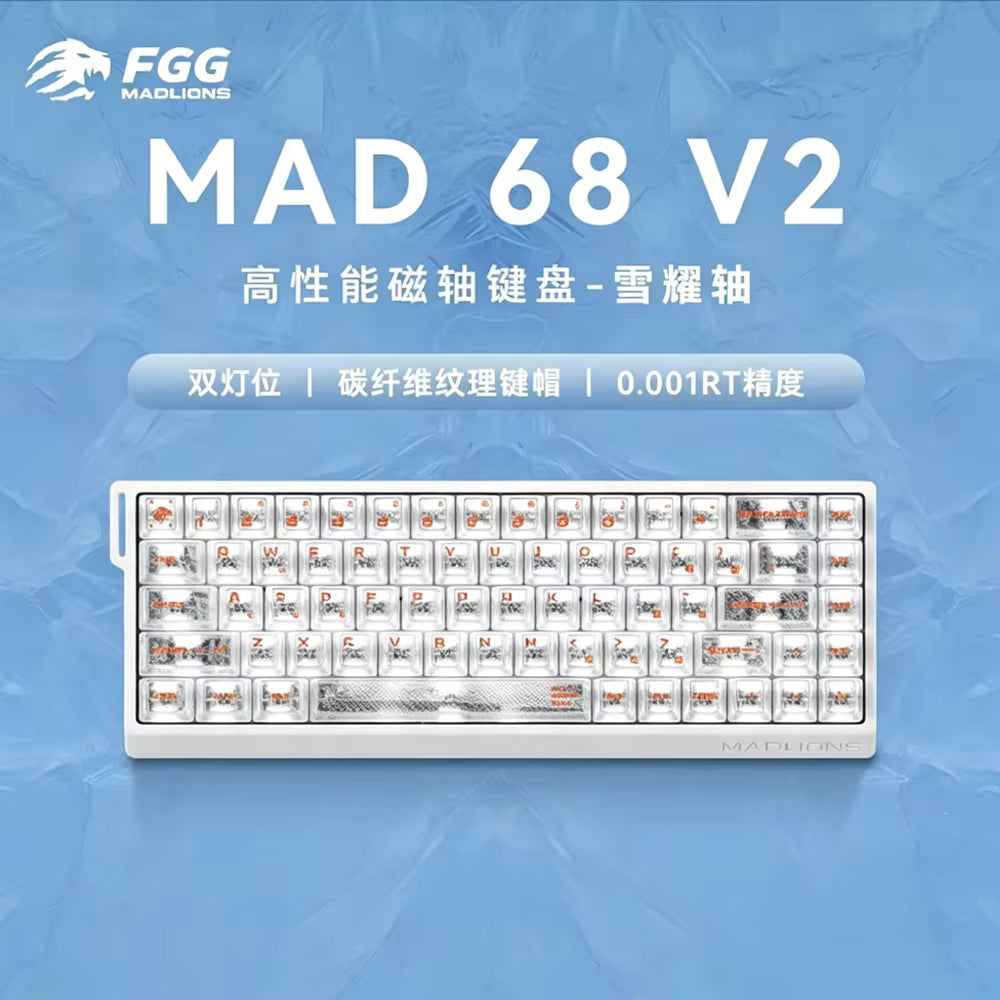
MAD68V2 Hall Effect Keyboard
Compact 68% Magnetic Gaming Keyboard Built for Speed
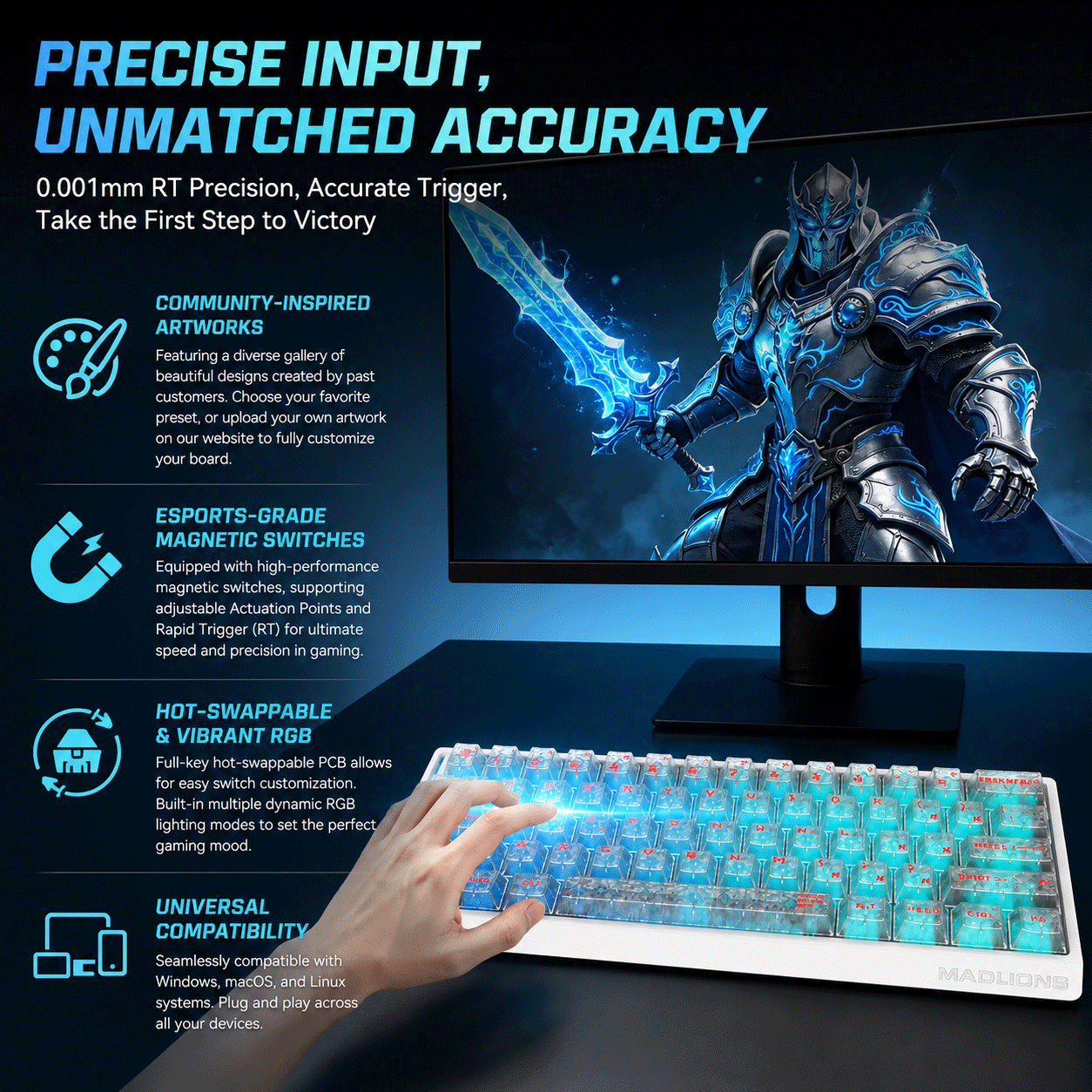
The MAD68V2 is a compact 68% Hall Effect gaming keyboard designed for competitive players who want speed, precision, and reliable control. With magnetic switches, Rapid Trigger, an 8000Hz polling rate, and ultra-low 0.125ms latency, it delivers fast and consistent input for Valorant, FPS games, osu!, rhythm games, and other fast-paced titles.
Its compact layout gives you more room for mouse movement while the transparent matte design and refined internal structure create a clean, modern custom keyboard look.
Hall Effect Switches with Adjustable Actuation
The MAD68V2 uses advanced Hall Effect magnetic switches that detect key movement through magnetic sensing rather than traditional physical contacts. This allows users to fine-tune actuation points for different gaming and typing preferences.
With up to 0.001mm RT precision, key presses and releases can be detected with exceptional accuracy, making it ideal for players looking for an adjustable actuation point keyboard for competitive gaming.
Rapid Trigger for Faster Inputs
As a Rapid Trigger keyboard, the MAD68V2 allows keys to reset based on movement distance instead of a fixed reset point. This can improve repeated keystrokes, counter-strafing, quick directional changes, and rapid tap inputs.
It is especially suitable for Valorant, FPS gaming, osu!, rhythm games, and other competitive titles where fast input response matters.
8000Hz Polling Rate and 0.125ms Low Latency
The keyboard supports an 8000Hz polling rate for high-speed communication between the keyboard and your PC. Combined with 0.125ms latency, it provides a responsive and stable gaming experience for players who value fast and consistent input.
Compact 68% Keyboard Layout
The 68% keyboard layout keeps essential gaming and navigation functions in a smaller footprint while removing unnecessary bulk. This gives low-sensitivity FPS players more room for mouse movement and makes the keyboard easier to fit into compact desk setups.
Navigation functions such as Home can be accessed through FN-layer shortcuts or customized through the web-based driver.
Dual-Light RGB and Transparent Matte Design
The Snow Switch version features a dual-light RGB design that enhances both keycap illumination and ambient lighting.
The transparent matte finish softens harsh glare while allowing RGB lighting to remain vivid. Paired with the Ice Carbon carbon fiber transparent matte keycaps, the keyboard delivers a clean, futuristic gaming aesthetic.
Top Mount Structure and Internal Dampening
The MAD68V2 uses a stable Top Mount structure for a firm and consistent typing feel. Its internal build includes a silicone sandwich layer, IXPE switch pad, PET layer, and EPDM bottom foam.
These layers help reduce unwanted hollowness and improve overall typing sound and feel, creating a more solid experience for both gaming and everyday use.
Keycap and Switch Options
The MAD68V2 is available in different switch and keycap configurations:
-
White Horse Switch Version: Transparent matte PC keycaps
-
Snow Switch Version: Ice Carbon carbon fiber transparent matte keycaps
Both versions combine performance-focused magnetic switches with a distinctive transparent design.
Windows and macOS Compatible
This wired gaming keyboard supports both Windows and macOS. The stable wired connection helps ensure reliable performance during long gaming sessions.
Through the self-developed web-based driver, users can customize key mappings, RGB lighting, actuation points, Rapid Trigger settings, and other keyboard functions without installing complicated software.
Why Choose MAD68V2?
The MAD68V2 Hall Effect Keyboard combines magnetic switch technology, Rapid Trigger, adjustable actuation, 8000Hz polling, 0.125ms latency, a compact 68% layout, and premium transparent styling.
For competitive gamers looking for a fast, responsive, and customizable magnetic gaming keyboard, the MAD68V2 offers a strong balance of performance, compact design, and everyday usability.


Keyboard Switch Guide
Red, Blue, or Brown? Find the perfect switch for your gaming style.
READ GUIDE →